
How to set up your TOEIC study plan in the app

In New Practice for TOEIC Test you set your target score, when your exam is and how many minutes a day you can study. The app turns this into a daily question goal, picks the TOEIC parts to focus on and shows Today's plan on the Home screen, so you can start the right practice in one tap.
Create your plan
- Open the app. New users see the study plan setup; others tap the plan icon on the Today card.
- Choose your target score (for example 600, 750 or 900).
- Choose when your exam is: within a month, within 3 months, later, or not booked.
- Choose how many minutes a day you can study.
You can change the plan at any time; the daily goal updates right away.
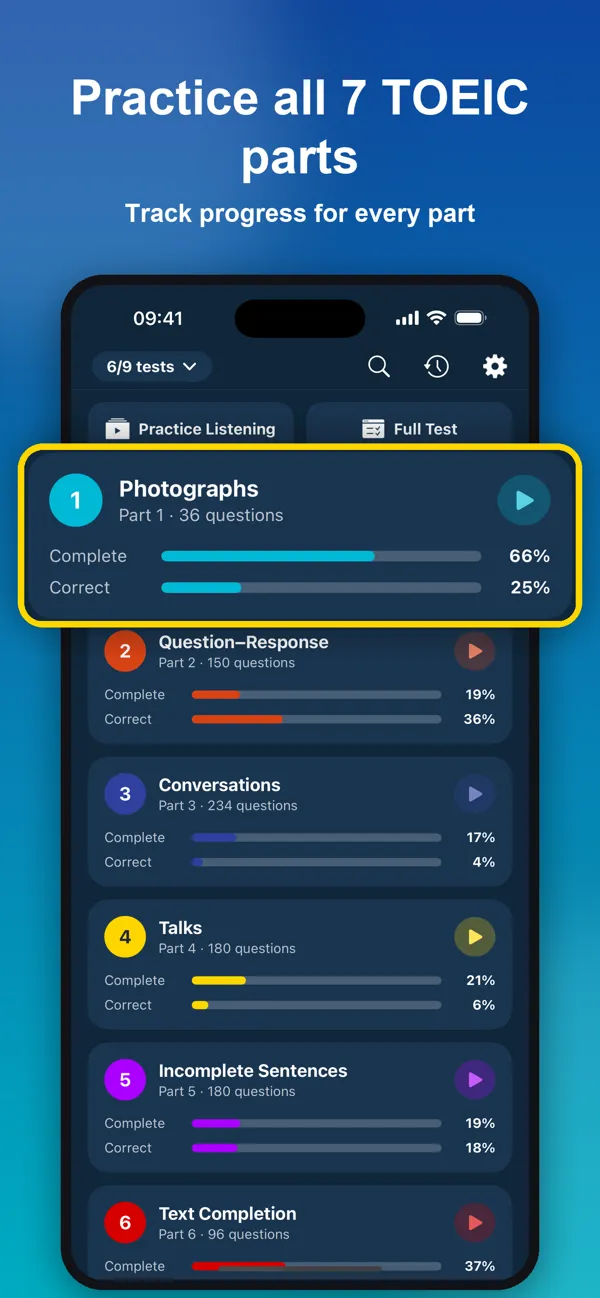
Use Today's plan
The Today card on the Home screen shows your streak, today's progress toward the goal and the part to practise next. Tap Start to begin.
If your exam is close, the plan includes a full timed test each week so you get used to the 2-hour format.
Make the plan work
- Keep the streak: even 10 questions on a busy day count.
- Use the widget and Lock Screen practice for Part 5 on the go.
- Review your mistakes daily; the app schedules them with spaced repetition.
Frequently asked questions
How is the daily goal calculated?
From your daily study time: about 1.5 questions per minute, so 20 minutes a day means a goal of 30 questions. Without a plan the goal is 10 questions.
Which parts will the plan focus on?
The parts that raise your score most at your target level: Parts 1, 2 and 5 for scores under 500, Parts 5, 2 and 6 for around 600, Parts 3, 4, 6 and 7 for around 750, and Parts 7, 3 and 4 for 850+. The app rotates one focus part per day.
Is the study plan free?
Yes. The study plan, daily goal and streak are free for everyone.