How to use the TOEIC Question of the Day widget
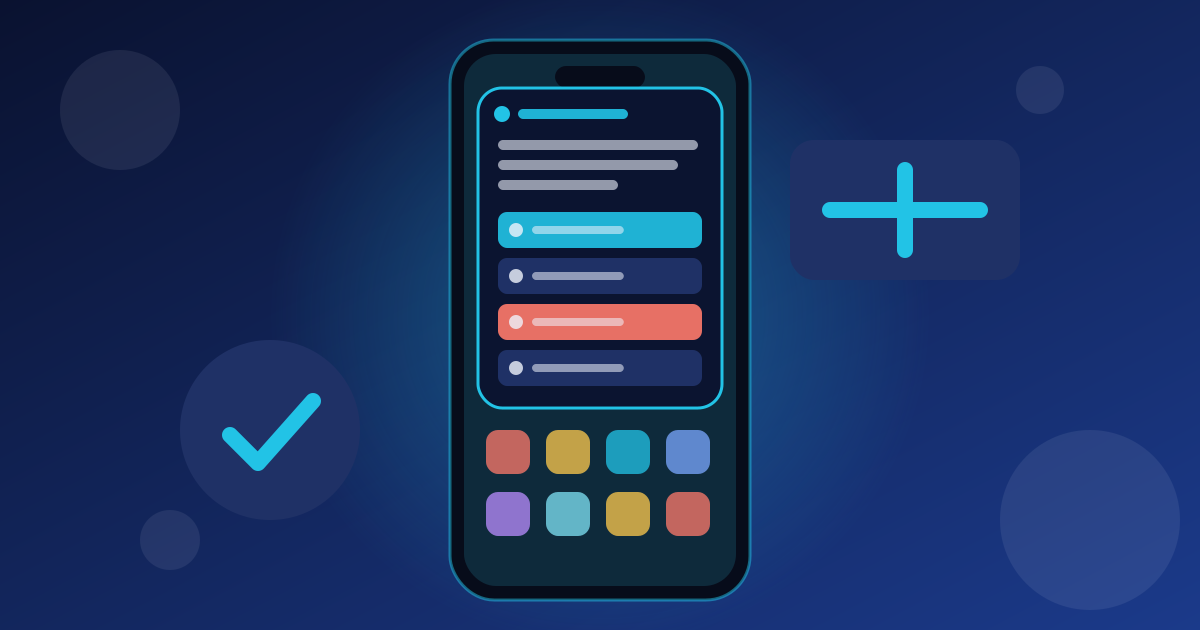
The Question of the Day widget puts one TOEIC Part 5 question on your home screen. You tap A, B, C or D right on the widget, see if you are correct, and get a new question the next day. It works on iPhone (iOS 17+ for tapping answers) and Android, and it is free.
Why a TOEIC widget helps
Part 5 (Incomplete Sentences) rewards fast, automatic grammar and vocabulary. Seeing one question every time you unlock your phone builds that habit with almost no effort.
Each answer counts toward your daily streak, so the widget also keeps you studying on busy days.
Add the widget on iPhone
- Touch and hold an empty area of the Home Screen until the icons jiggle.
- Tap the + button in the top corner.
- Search for New Practice for TOEIC Test.
- Choose Small or Large and tap Add Widget.
- Tap an answer on the widget (iOS 17 or later). On older iOS, tap the widget to answer in the app.
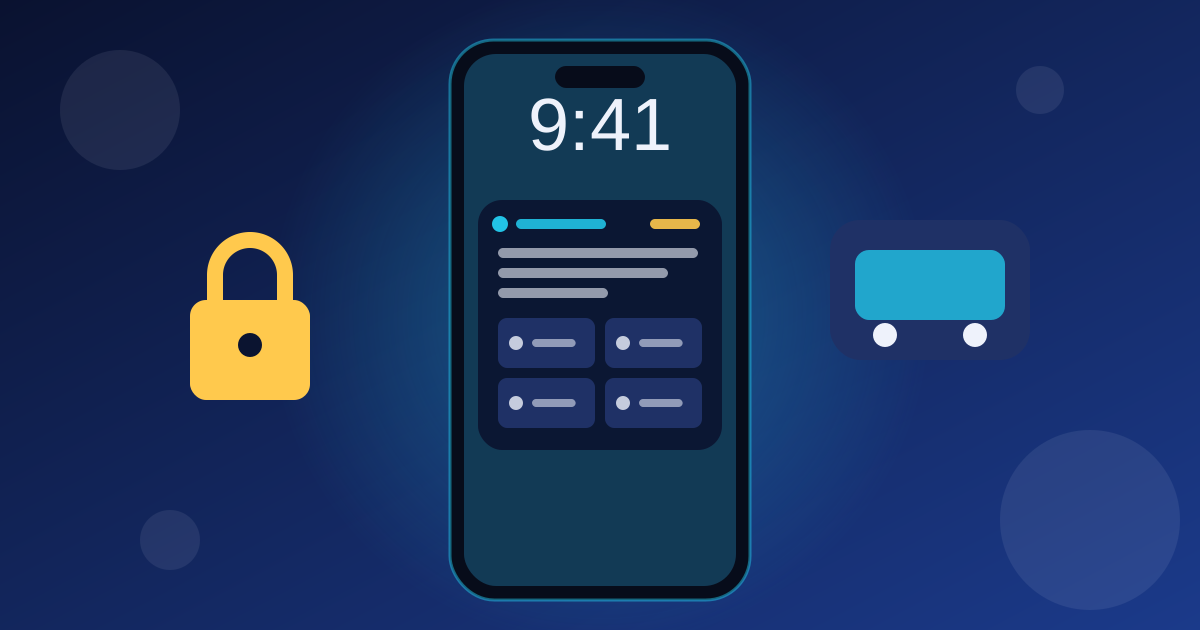
You can also add a small version to the Lock Screen: touch and hold the Lock Screen, tap Customize, then add the widget under the clock.
Add the widget on Android
- Open the app and go to Settings › Home screen widget.
- Tap Add to Home screen and confirm. No need to search the widget list.
- Resize it if you like: the answers grow to fill the space.
If your launcher does not support one-tap adding, touch and hold the home screen, choose Widgets and find New Practice for TOEIC Test.
Widget settings
- Questions: all questions, only questions you have not practised, or questions you got wrong.
- New question: every day, every 3 hours or every hour.
- Show the explanation after answering (large widget).
- The extra options are part of Premium, or can be unlocked for 7 days with 10 energy.
Frequently asked questions
Is the TOEIC widget free?
Yes. The widget with a new question every day is free. Choosing mistakes or new questions only, and hourly questions, are Premium options that can also be unlocked with energy.
Why can't I tap the answers on my iPhone widget?
Tapping answers on a widget needs iOS 17 or later. On iOS 16 the widget still shows the question, and tapping it opens the question in the app.
Does answering on the widget count toward my streak?
Yes. Every answer on the widget counts toward your daily goal and streak, and wrong answers are added to your review list.